Driving safely with your phone as a dashboard
What makes a phone on the dash a help rather than a distraction: glance time, placement, night settings, and the rules we design our own app around.
By the Cardashly teamPublished 3 min read
Disclosure: we make Cardashly, a car dashboard app for Android. We point out where it fits and where it does not, and we take no payment for mentioning other products. How we write these guides
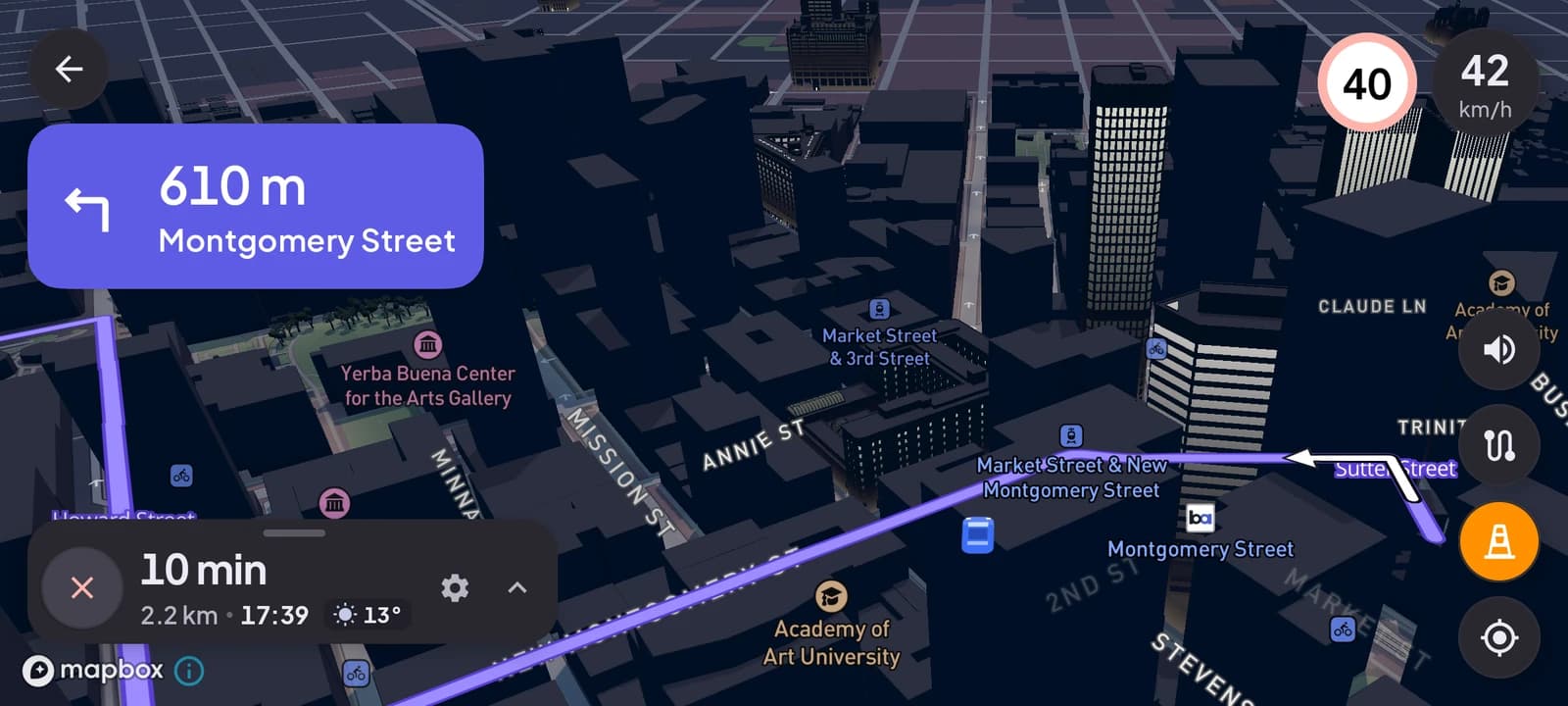
A phone used as a dashboard is safe when every look at it is short. That comes down to three things: where it is mounted, what is on the screen, and what you do while moving. Get those right and a phone dashboard means fewer, shorter glances than juggling a loose phone. Get them wrong and it is a bright distraction at eye level.
The number that matters: glance time
Distraction research keeps coming back to one measure: how long your eyes are off the road. The US road safety agency NHTSA's guidelines for in-car screens say a single task should need glances of 2 seconds or less, adding up to no more than 12 seconds in total. At 100 km/h, two seconds is about 55 meters driven blind.
That is the standard to hold any screen in your car to, including a phone. It explains every rule below: each one either shortens a glance or removes the need for one.
1. Mount it where a glance is short
- Low and central, at the top of the center console, so your eyes drop a little rather than your head turning.
- Landscape, with nothing between you and the road.
- Never over an airbag panel or in your view of the mirrors.
Our setup guide compares mount types and positions.
2. Show less, bigger
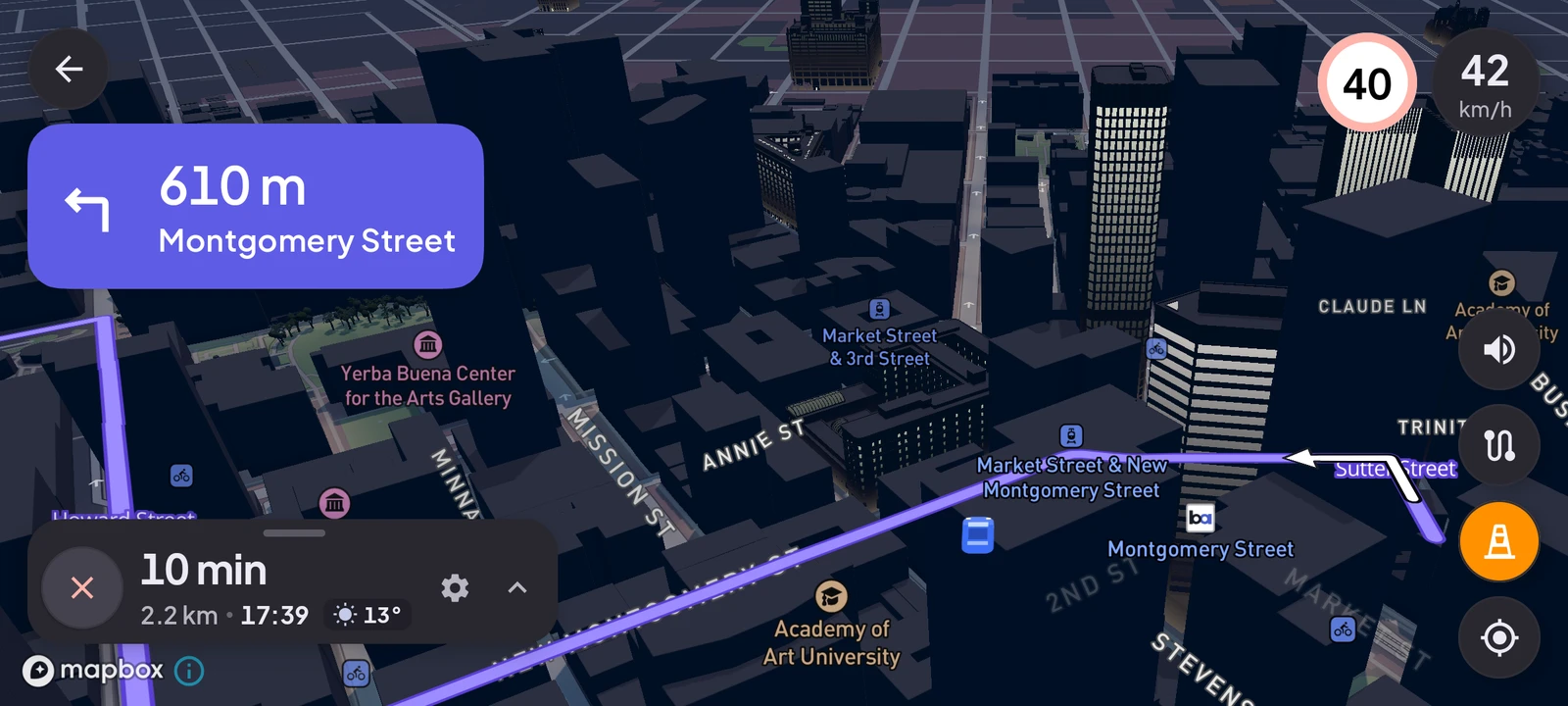
A screen you can read in a glance shows a few things in large type: speed, the next turn, what is playing. A normal phone home screen does the opposite, with dozens of small icons that all ask to be tapped.
When we chose colors for Cardashly we set a rule that body text must keep a contrast ratio of at least 7:1 against every dark surface in the app. That is the highest level in the web accessibility guidelines (WCAG AAA). It sounds technical, but it is the difference between reading a label instantly and squinting at it.
3. Set everything up before you move
Enter the destination, choose music or a station, and pick your units while parked. Typing is where glances stretch from one second to five. If something needs more than a tap while moving, it can wait, or you can pull over.
Voice helps here. Turn-by-turn voice guidance means you rarely need to look at the map at all. In Cardashly the voice also warns you when you are 5 km/h over the speed limit on your route, so the warning reaches you without a glance.
4. Go dark at night
A white screen at night dazzles you and takes your eyes time to recover when you look back at a dark road. Use a dark theme with light text, and turn the brightness down after sunset. This matters more than any other setting for night driving.
5. Keep it charged and cool
A phone that overheats dims its screen, and one that dies mid-drive tempts you to fiddle with it. A charger and a spot out of direct sun prevent both.
6. Know the law where you drive
Rules differ between countries and states. Some ban holding a phone at all while driving, some restrict where a mount can go (often not in the middle of the windshield), and some limit touching the screen even when mounted. A mount and a set-up-before-you-go habit keep you on the right side of most of them, but check your local rules.
What an app cannot fix
No app makes distracted driving safe. A good dashboard removes reasons to look away and makes each look shorter, but the responsibility stays with the driver. If you notice yourself reading rather than glancing, that is the signal to put it down or pull over.
If your car has Android Auto, the same rules apply to its screen, and its steering-wheel controls make them easier to follow. A phone dashboard earns its place in cars that have nothing better.
Turn your phone into the cockpit
Cardashly puts a big glanceable speedometer, maps, music and one-tap calling on one dark, landscape screen, in any car. Coming soon on Google Play.
One email the day it lands on Google Play. No spam.