CarPlay vs Android Auto: what actually differs
CarPlay and Android Auto do the same job for different phones. Here is how they compare, how to check whether your car supports either, and what to do if it supports neither.
By the Cardashly teamPublished 3 min read
Disclosure: we make Cardashly, a car dashboard app for Android. We point out where it fits and where it does not, and we take no payment for mentioning other products. How we write these guides
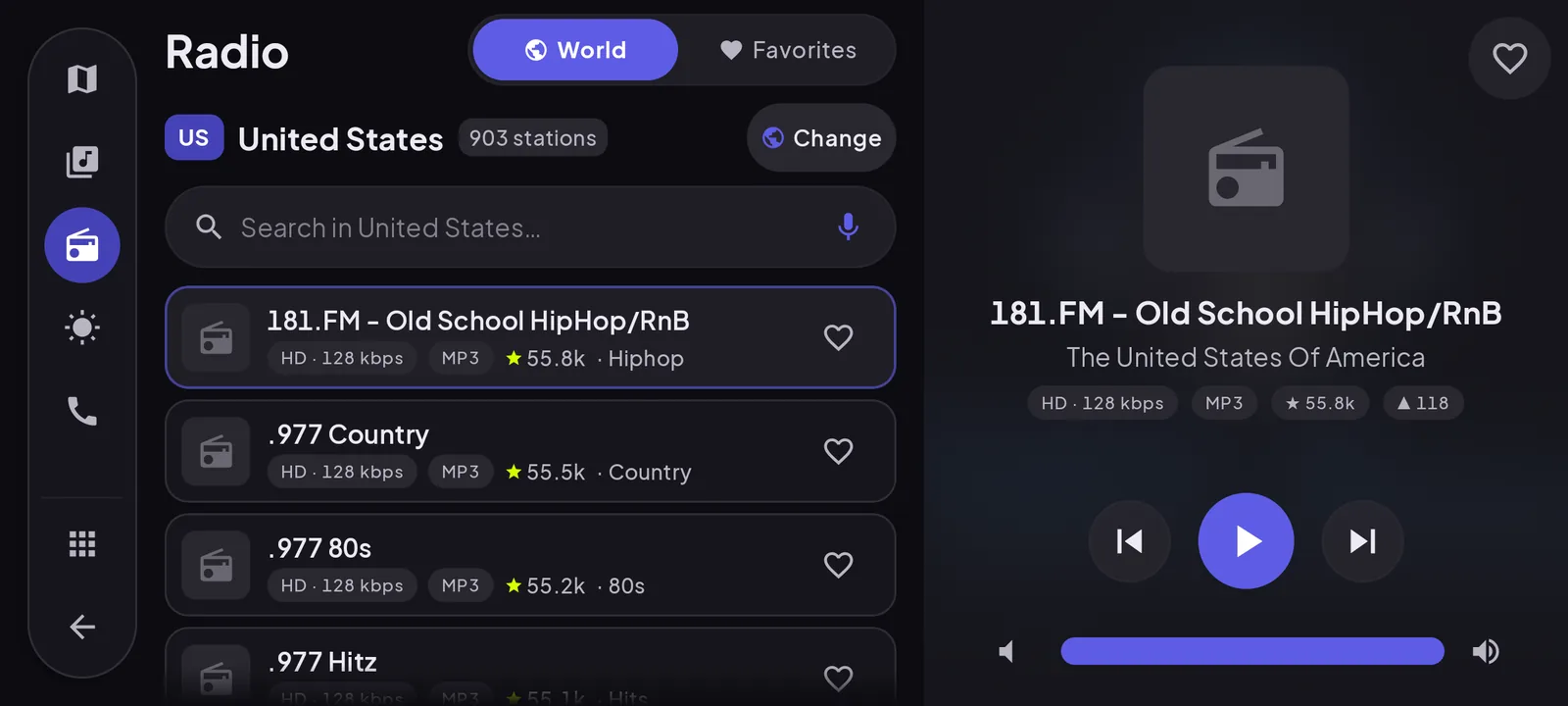
CarPlay and Android Auto are the same idea built by two companies: plug in (or pair) your phone and the car's screen shows a simplified, driving-safe version of your apps. CarPlay works only with iPhone. Android Auto works only with Android phones. So the real question is rarely "which one" but "does my car support mine", and what to do if it does not.
Side by side
| Apple CarPlay | Android Auto | |
|---|---|---|
| Phones | iPhone only | Android phones only |
| Where it shows | The car's built-in screen | The car's built-in screen |
| Connection | USB, or wireless if the car supports it | USB, or wireless if the car supports it |
| Voice assistant | Siri | Google Assistant / Gemini |
| Default maps | Apple Maps (Google Maps and Waze available) | Google Maps (Waze and others available) |
| Third-party apps | Approved categories only: audio, messaging, navigation, EV charging and a few more | Similar approved categories |
| Cost | Free | Free |
The day-to-day experience is close. People who switch phones usually find the one they already use feels more natural, which says more about habit than quality.
Where they really differ
Ecosystem. CarPlay leans on Siri, iMessage and Apple Maps. Android Auto leans on Google Assistant, Google Maps and Google's messaging apps. If you live in one ecosystem, its car system fits you better.
Layout. CarPlay puts a dock of apps along one edge and can show several widgets at once on wider screens. Android Auto uses a split screen with a map, media and a notification column. Both adapt to the car's screen shape.
Car support. Most new cars sold in the last several years support both. A few manufacturers have started to phase them out in favor of their own systems, so check the specific model and trim rather than the brand.
How to check whether your car supports them
- Look in the car's infotainment menu for "Apple CarPlay", "Android Auto" or "Phone projection".
- Check the manual, or the manufacturer's site for your exact model year and trim.
- Apple and Google each publish lists of supported models.
- Try it: plug in a phone with a good data cable. Many cars prompt as soon as a compatible phone connects.
A car that supports wired projection does not necessarily support wireless. Wireless adapters exist that plug into the car's USB port and connect to the phone over wifi, but they only work if the car already supports the wired version.
When your car supports neither
This is more common than most comparisons admit: older cars, base trims, and cars with no screen at all. You have two realistic paths.
- Replace the head unit. An aftermarket stereo with CarPlay and Android Auto built in gives you the full experience. It costs more and usually needs fitting, and some cars make it hard because the stereo is part of the dash design.
- Use the phone as the screen. A dashboard app on a phone mount puts speed, maps, music and calls on the phone itself. Nothing to install in the car.
Our app, Cardashly, is built for the second path. It is not CarPlay or Android Auto and it does not put anything on the car's screen: the phone is the screen. If your car already supports Android Auto, use Android Auto. A phone dashboard makes sense when there is nothing to project to.
Which should you pick?
If you are choosing a phone, pick the phone you prefer. The car system follows. If you are choosing a car and care about this, check that the exact trim supports your phone's system, wirelessly if that matters to you.
Android owners in a car that only offers CarPlay are not stuck either: plug-in adapters can run Android Auto over the car's CarPlay connection, with some caveats about lag and compatibility.
Frequently asked questions
- Can I use CarPlay with an Android phone?
- No. CarPlay works only with iPhone. Android phones use Android Auto instead, which does the same job on cars that support it.
- Is Android Auto available without a car screen?
- Not any more. Google retired Android Auto for phone screens in 2022. Android Auto now needs a compatible car display or aftermarket head unit.
- Can I add wireless CarPlay or Android Auto to my car?
- If the car already supports the wired version, a wireless adapter that plugs into its USB port can add wireless. If the car supports neither, you need a new head unit or a phone-based dashboard instead.
Turn your phone into the cockpit
Cardashly puts a big glanceable speedometer, maps, music and one-tap calling on one dark, landscape screen, in any car. Coming soon on Google Play.
One email the day it lands on Google Play. No spam.