Using an old Android tablet as a car dashboard
A spare tablet makes a bigger, easier-to-read car dashboard than a phone, but only if it has GPS, a data connection and a mount that can hold it. How to check and set one up.
By the Cardashly teamPublished 3 min read
Disclosure: we make Cardashly, a car dashboard app for Android. We point out where it fits and where it does not, and we take no payment for mentioning other products. How we write these guides
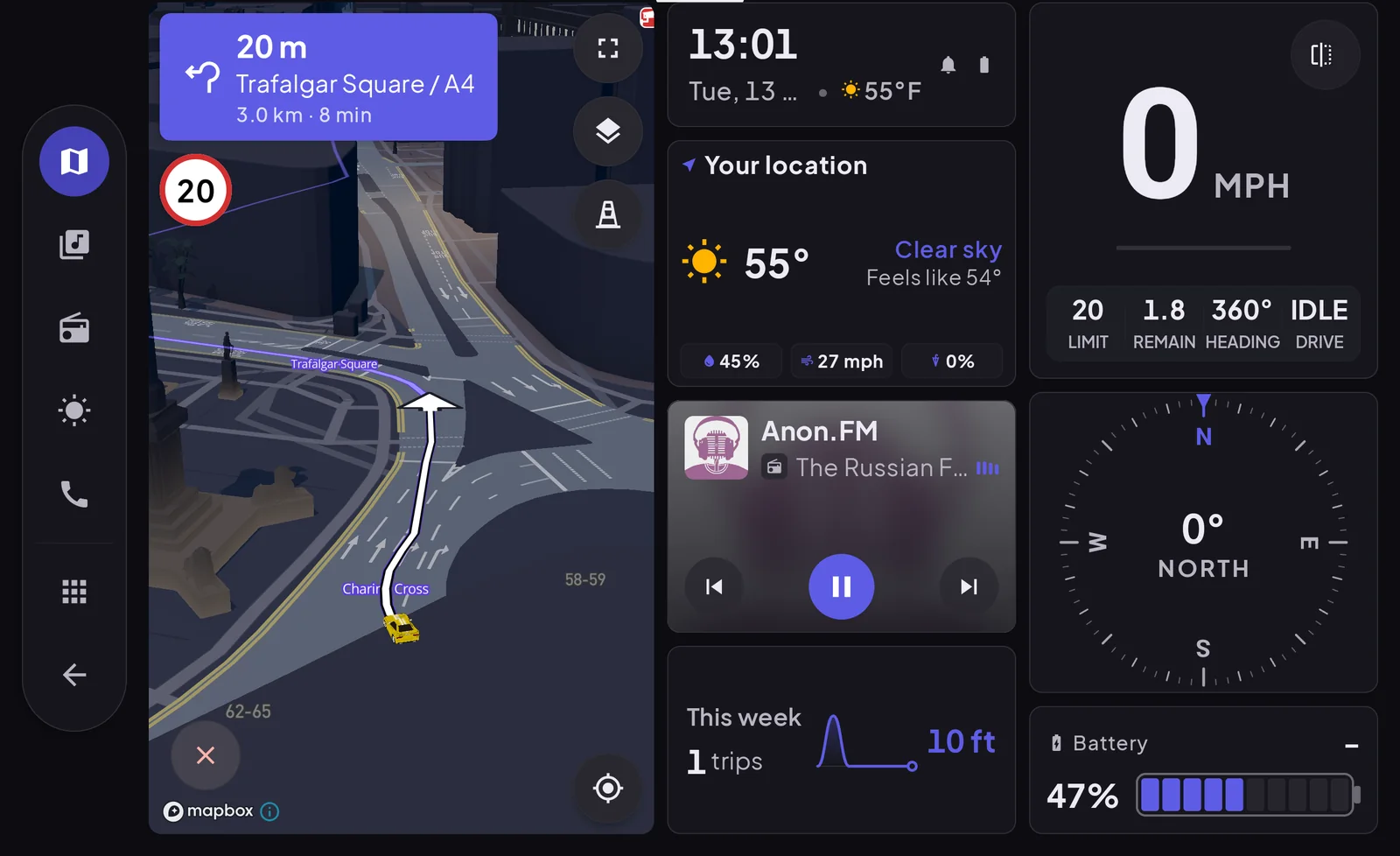
An old Android tablet can make a good car dashboard: the larger screen shows speed, a map and media at a size you can read in a glance. Before you mount one, check two things: whether it has GPS, and how it will get online. Some Wi-Fi-only tablets have GPS and many do not, and without it a tablet cannot show your speed or position by itself.
Step 1: check it has GPS
Tablet specs are inconsistent about this. Models with mobile data (LTE or 5G) almost always have GPS. Wi-Fi-only models vary by maker and by model, so check the spec sheet and test it.
The quickest real-world test: take it outside, turn Wi-Fi off, turn location on, and open a maps app. If the blue dot finds you within a minute or two, the tablet has GPS. If it never does, it has none, and a dashboard app that reads GPS speed will show nothing.
Step 2: decide how it gets online
| Connection | Works for | Notes |
|---|---|---|
| Built-in mobile data | Everything | Needs its own SIM or eSIM plan |
| Phone hotspot | Maps, weather, radio | Easy; uses the phone's data and battery |
| No connection | Speed, clock, engine data | Maps and streaming need data |
A phone hotspot is the usual answer. Set the tablet to join it automatically, and turn on the hotspot before you drive (many phones can do this automatically when connected to the car's Bluetooth).
Step 3: mount it properly
A tablet is several times the weight of a phone, and a phone clip will not hold it over bumps.
- Use a mount rated for tablets: a sturdy dash or cup-holder mount, or a seat-rail mount.
- Keep it low, below the line of the windshield, and clear of airbag panels.
- Check your local rules. A tablet is big enough that placement laws matter more than with a phone.
Step 4: power and heat
Old tablet batteries are often worn, and lithium-ion batteries age faster in heat. Plan on the tablet being plugged in whenever it runs.
- Use a car charger that can deliver at least 18 to 20 W. Many tablets charge slowly on a basic port and will drain while driving.
- Keep it out of direct sun. A large dark screen heats up fast.
- Take it out of the car on hot days. A swollen battery is a sign to stop using it.
Step 5: set up the dashboard
Install a dashboard app and set it up parked: units, dark theme, saved places, favorite stations. A tablet shows everything at a larger size, so check the layout from the driving seat and turn the brightness down for night driving. A 10-inch screen at full brightness is very bright in a dark car.
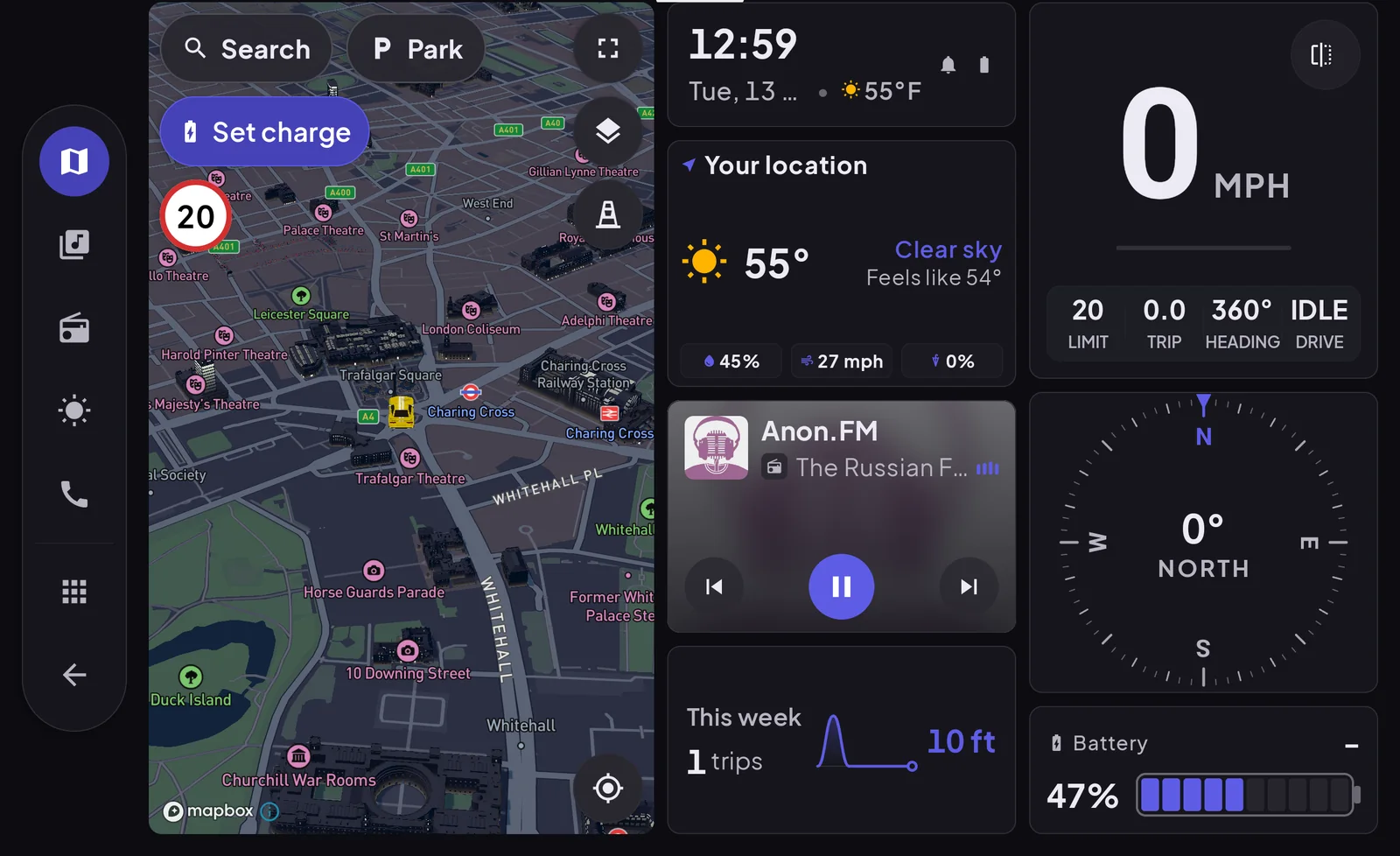
Our app, Cardashly, is designed landscape-first, so the same layout that fits a phone on its side has more room on a tablet.
Is a tablet better than a phone?
| Tablet | Phone | |
|---|---|---|
| Screen | Larger, easier to read | Smaller |
| GPS | Varies on Wi-Fi models | Always |
| Data | Needs hotspot or its own plan | Built in |
| Mounting | Heavier, needs a sturdy mount | Easy |
| Lives in the car | Yes, if it is a spare | Usually comes with you |
If your tablet has GPS and you have somewhere sensible to mount it, it makes the more comfortable dashboard. If not, a phone is simpler. Either way, the placement rules in our phone setup walkthrough apply to a tablet too, only more so.
Frequently asked questions
- Does a Wi-Fi-only tablet have GPS?
- Sometimes. Tablets with mobile data almost always include GPS, while Wi-Fi-only models vary by maker and model. Test by checking whether a maps app can find your location outdoors with Wi-Fi turned off.
- How do I get internet on a tablet in the car?
- The simplest way is your phone's hotspot. Set the tablet to join it automatically. A tablet with its own mobile data plan also works.
- Is an old tablet safe to leave in a car?
- Not in hot weather. Heat speeds up battery wear and can make old batteries swell. Take it out on hot days and stop using any tablet whose battery bulges.
Sources
Where the checkable facts in this guide come from. Statements about how Cardashly works come from our own app.
- Battery University: BU-808, How to Prolong Lithium-based Batteries Exposure to heat accelerates capacity loss in lithium-ion cells.
Turn your phone into the cockpit
Cardashly puts a big glanceable speedometer, maps, music and one-tap calling on one dark, landscape screen, in any car. Free on Google Play.